在VS2019進行Vue開發實在是太痛苦了,於是轉移陣地到VS code,別的不說,至少排版上舒服很多。
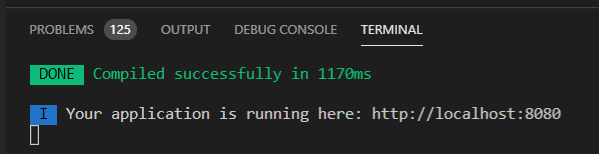
使用Vue cli run成功後,terminal顯示如下
yoruru 發表在 痞客邦 留言(0) 人氣(47)

上禮拜參考
官方文件後,順順利利的建立了 hello world 的 Vue.js 應用程式,結果這禮拜不知道為什麼跑不了,出現錯誤訊息如下:
npm run build exited with code 1
yoruru 發表在 痞客邦 留言(0) 人氣(234)
1. 用 C++ Addons 實作出可在node執行的模組 (例如: hellocc.node 模組 )
參考: C++ Addons快速入門 (Using C++ Addons to call C/C++ code from Node.js)
yoruru 發表在 痞客邦 留言(0) 人氣(417)
yoruru 發表在 痞客邦 留言(0) 人氣(169)
I. Study Node.js
Node.js 快速入門:下載、安裝 Node.js,啟動並測試伺服器 By 彭彭
yoruru 發表在 痞客邦 留言(0) 人氣(326)
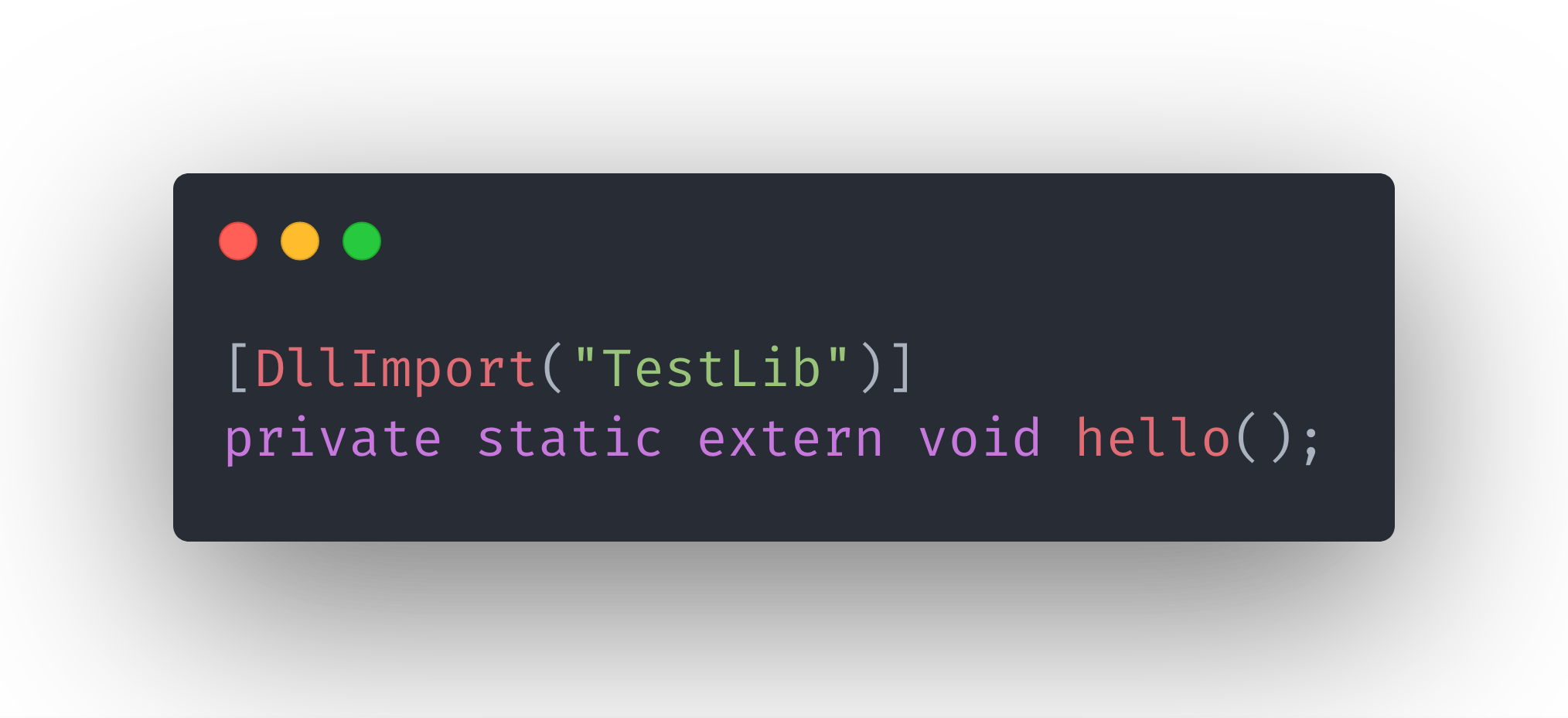
Originally published at
https://www.olegtarasov.me on June 9, 2019.
Author: Oleg Tarasov
yoruru 發表在 痞客邦 留言(0) 人氣(72)
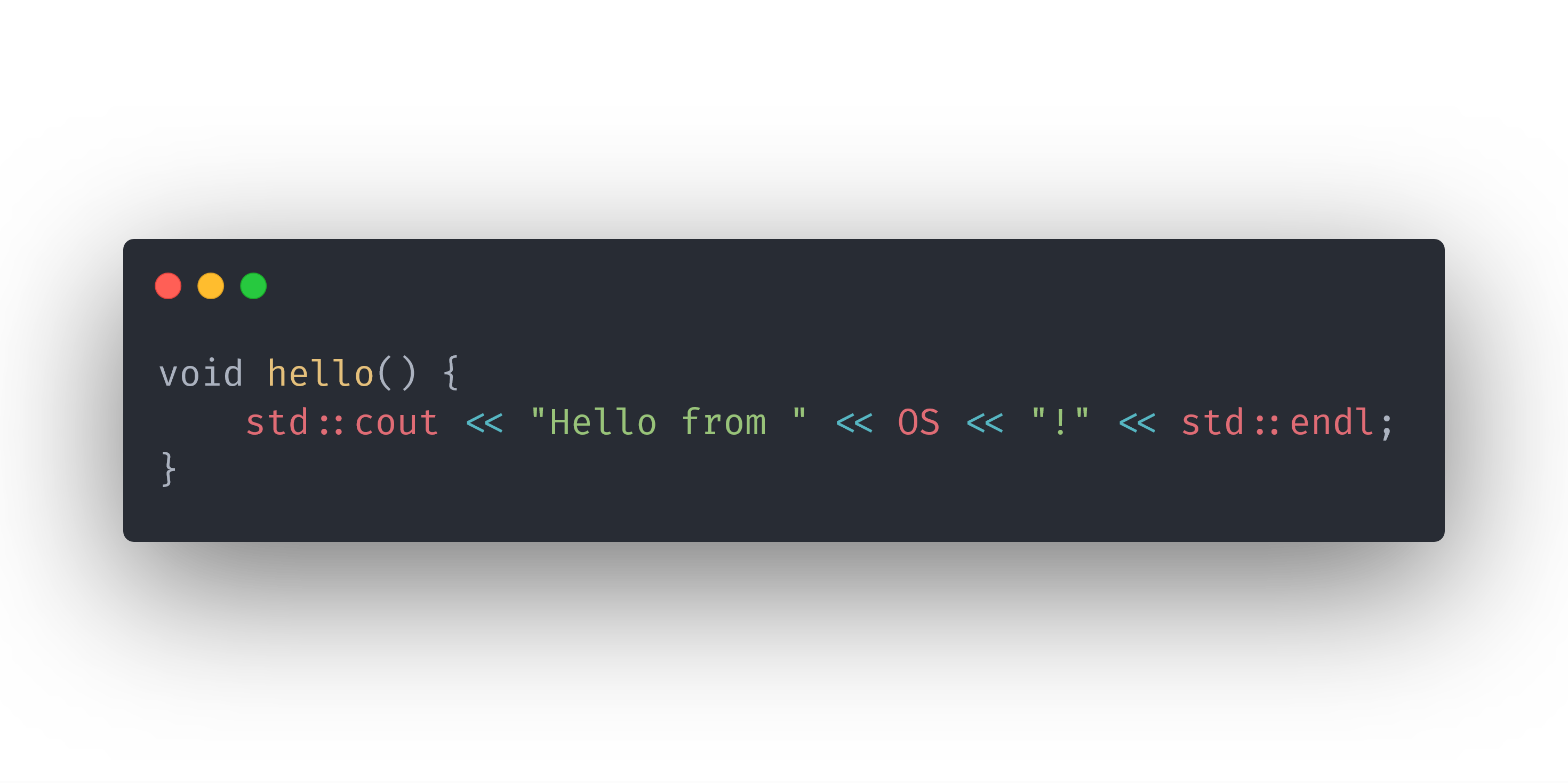
Originally published at
https://www.olegtarasov.me on June 7, 2019.
Author: Oleg Tarasovyoruru 發表在 痞客邦 留言(0) 人氣(3)
Build + Use static CURL with Visual Studio 2019 or 2017
https://www.youtube.com/watch?v=q_mXVZ6VJs4
yoruru 發表在 痞客邦 留言(0) 人氣(16)

I have a C++ project written in Linux, now my goal is to make this project call from .NET Core and still run in Linux, just like using DLL ( Dynamic-link library ) from .NET.
The difficulty is that DLL designs for Windows, even though I can create DLL in
Visual Studio 2019, I can't use the DLL in Linux. I need to build a shared library for .NET Core in Linux.
yoruru 發表在 痞客邦 留言(0) 人氣(712)
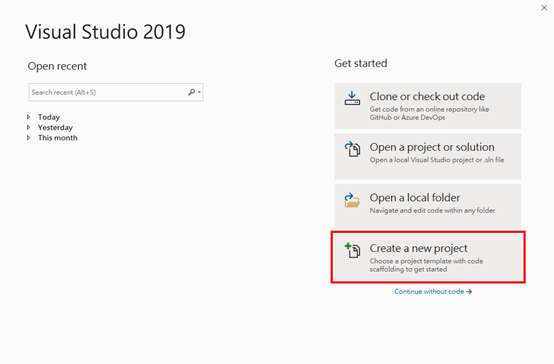 Walkthrough: Create and use your own Dynamic Link Library (C++) using Visual Studio 2019Prerequisites
yoruru 發表在 痞客邦 留言(0) 人氣(324)


 烘焙 (2)